Code lists
All three are under Master Setup → Billing Setup.
ICD Codes

A diagnosis code must be in this list before it can be used on a patient, encounter, claim, claim macro or as a procedure's Allowed ICD — otherwise Invalid ICD Code : X.
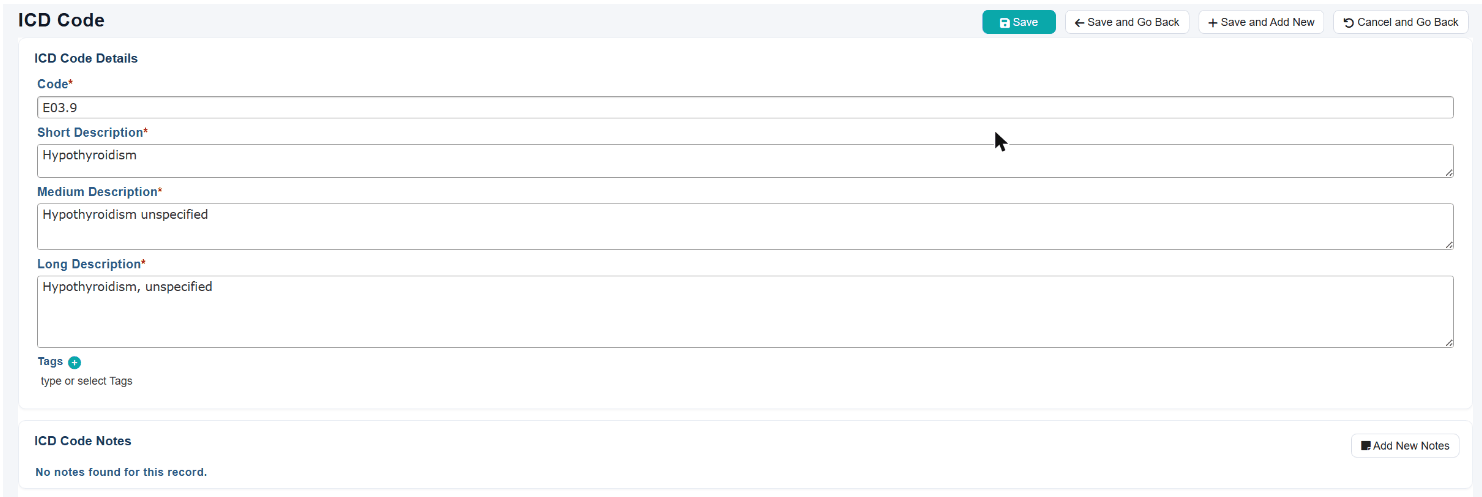
- Click Add New ICD Codes.
- Enter the Code with its dot —
E11.9— and the Short, Medium and Long Description. Codes are ICD-10. - Save.
A deactivated code still shows on old claims with an Inactive badge.
Claim Reason Codes
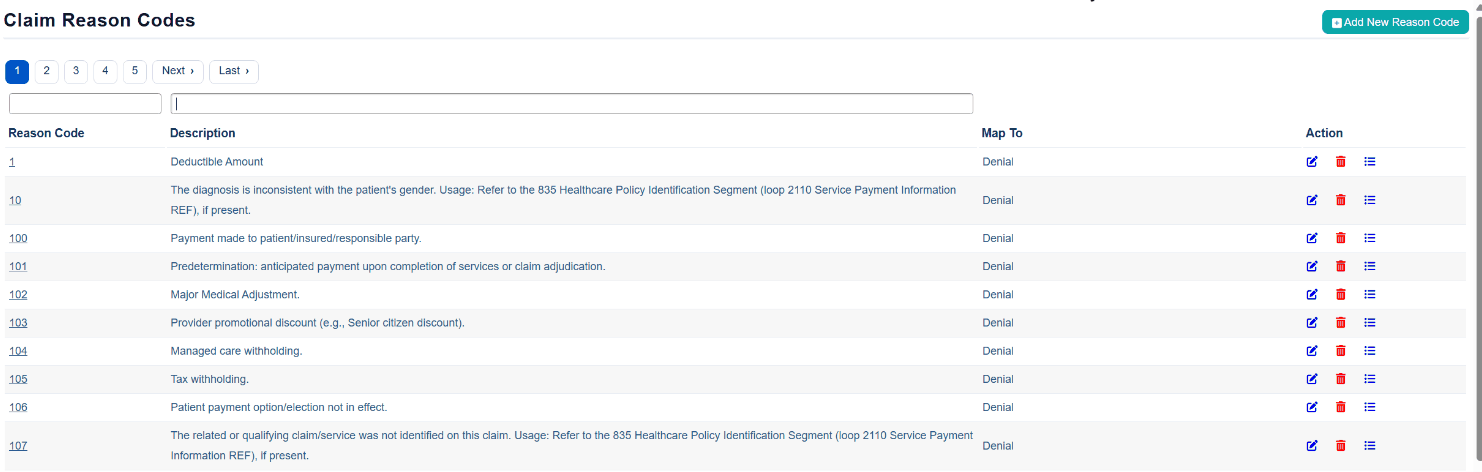
The reason codes a payer puts on an EOB or ERA — 45 Charge exceeds fee schedule, 1 Deductible Amount. Your practice starts with the full standard list, and a code an ERA brings that is not on it yet is added on its own, mapped Denial (see ERA payments). They are what the Denial column accepts when posting an insurance payment, and what payment imports check against.
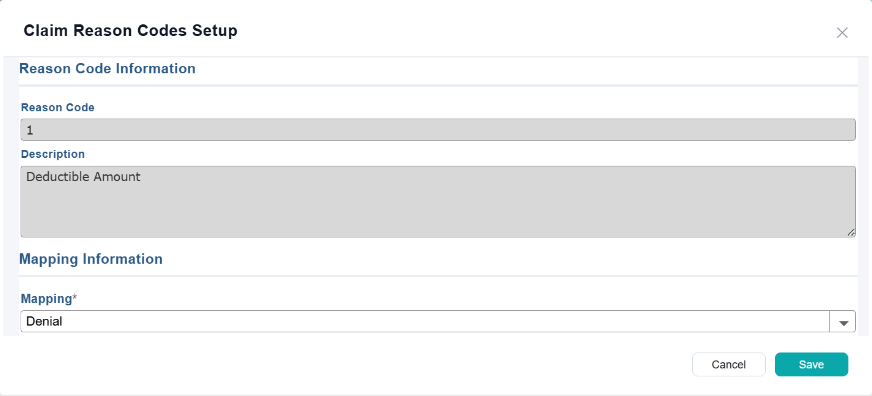
Add New Reason Code adds a code the list is missing. Mapping records what the code usually means for you — Insurance Adjustments, Write Off, Denial, Patient Responsibility or No Mapping.
Transaction Codes
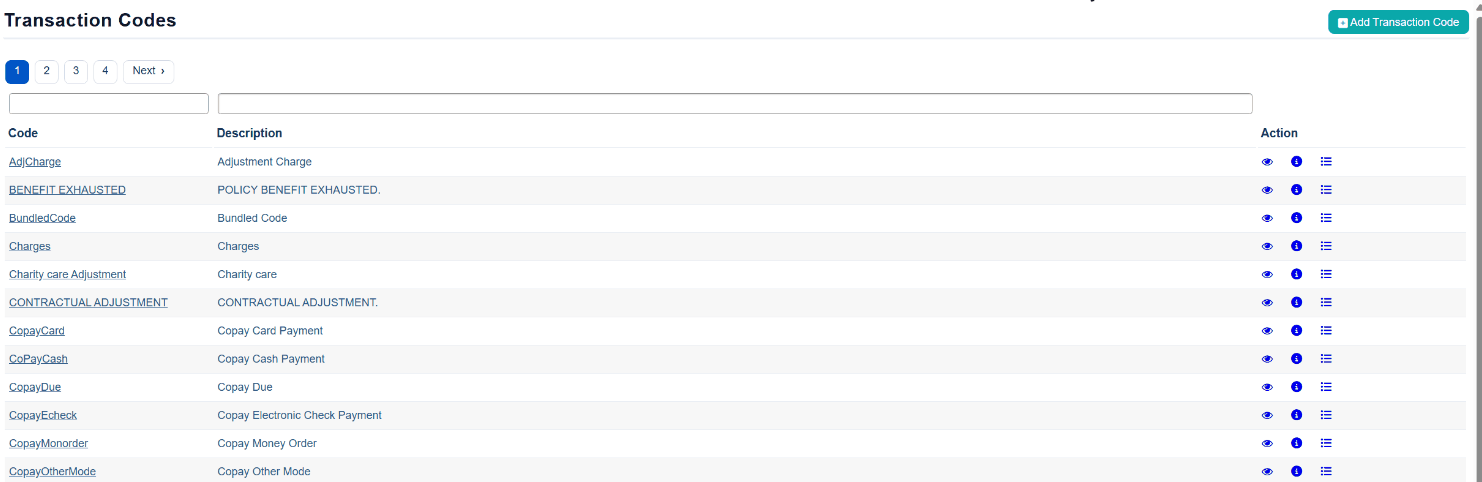
Every amount posted to a claim carries a transaction code — PatPayCash, CONTRACTUAL ADJUSTMENT, EOBWriteOff, EOBCoIns … Each has a Code Type:
| Code Type | Used for | Examples |
|---|---|---|
| Charges | the charge itself | Charges |
| Insurance Payment | what insurance paid | PrimaryInsPayment, SecondaryInsPayment |
| Patient Payment | what the patient paid | PatPayCash, PatPayCard, PatPayCheck |
| Insurance Adjustment | contractual adjustments | CONTRACTUAL ADJUSTMENT |
| Adjustment - Credit | write-offs and courtesy adjustments | EOBWriteOff, Courtesy Adjustment |
| Patient Responsibility | moving a balance to the patient | EOBDeduct, EOBCoIns, EOBCopay |
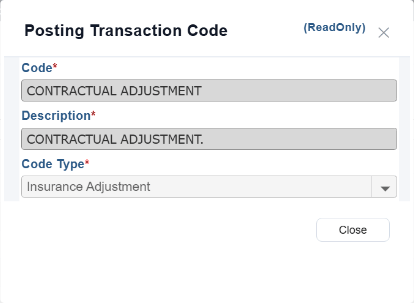
System codes come with every practice and cannot be edited or deleted — posting depends on them. To track something of your own, such as a Hardship Write-off, click Add Transaction Code, enter a Code, Description and Code Type, and save. It then appears in the code lists when posting.
You can delete a code your practice added, as long as no claim transaction uses it yet. A code already used on a claim cannot be deleted — deactivate it instead, so it is no longer offered. System codes cannot be deleted.
Common problems
| You see | Why | What to do |
|---|---|---|
| Invalid ICD Code : X on a claim | The ICD is not in ICD Codes. | Add it. |
| Duplicate record. An ICD Code with the same Code and Version already exists. | Already on file. | Use the existing one. |
| Reason Code already exists. | Already on file. | Edit its mapping instead. |
| A posting transaction code with the code 'X' already exists. | The code is taken. | Choose another. |
| This transaction code is used on claim transactions and cannot be deleted. Deactivate it instead. | Amounts on claims were posted with it. | Deactivate it. |